Cove is actively dedicating resources to make our site, and our community, more accessible. While we make changes, if you need any assistance accessing the information on this site, please contact us at 855.268.3669 or support@covesmart.com. For those who are deaf or hard of hearing or who do not use voice channels to communicate, please contact us via email or via 711 or other relay services. If you have any feedback or suggestions as to how we could improve the accessibility of our website, please contact us at accessibility@covesmart.com. Please be aware that our site may contain links to other websites, the accessibility of which is not under our control. Please contact us if you run into any difficulties with these sites, and we will do our best to help you.
Accessibility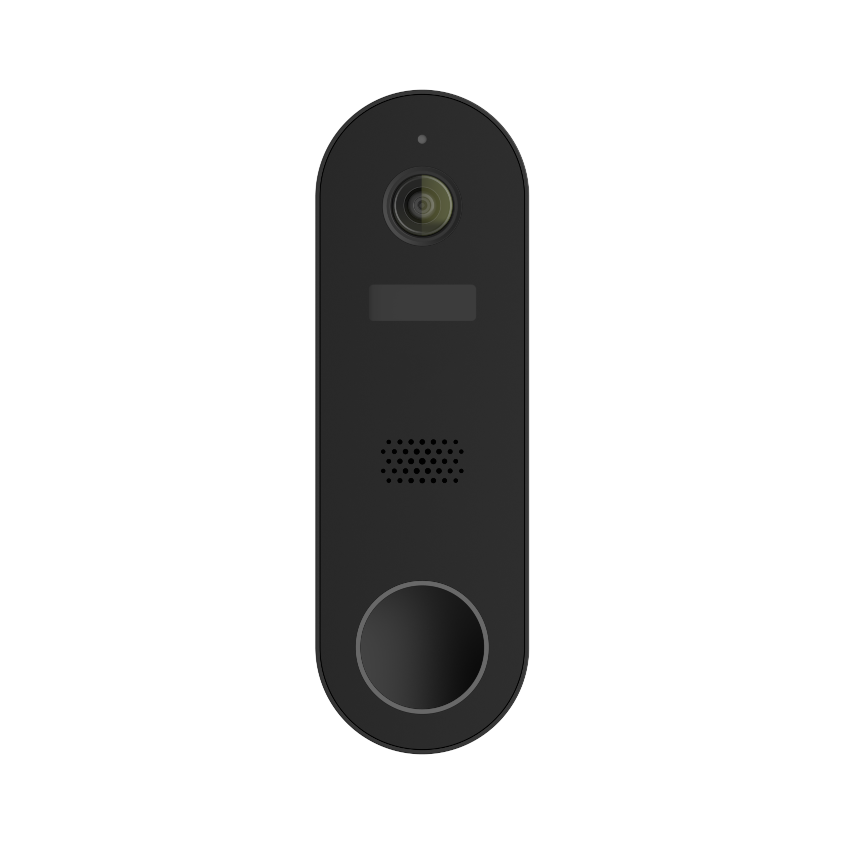
Doorbell Cam
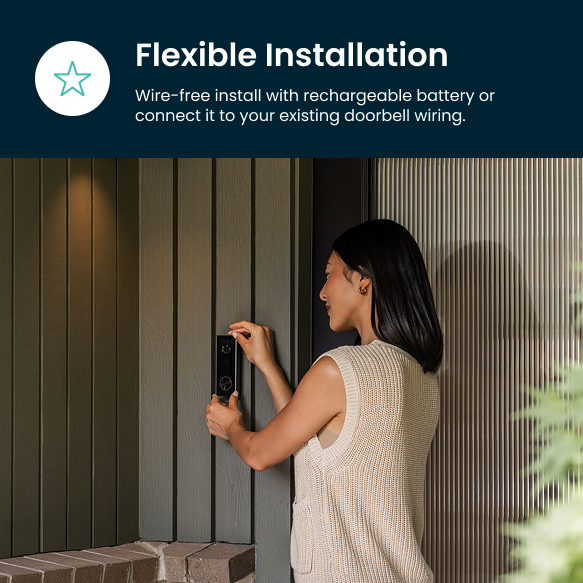
See more at your front door with a 170° viewing angle that captures every visitor and package. Choose between wired or wireless for flexible installation. Includes wireless chime.
Buy Now, Pay Later with
i- IP67 weatherproof; built tough for rain, snow, and dust.
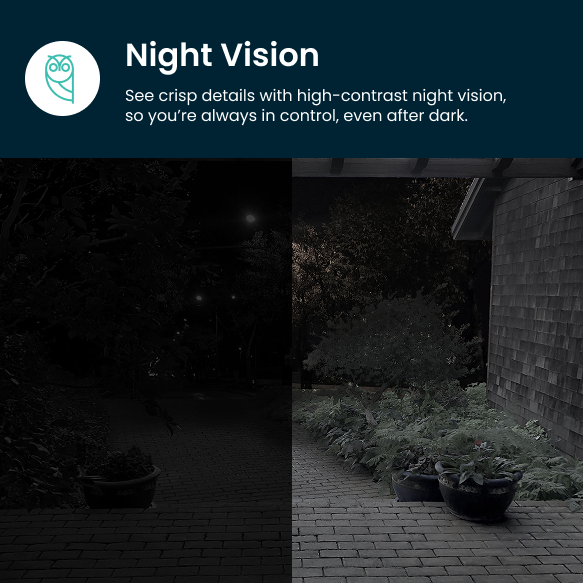
- High-contrast 2k video, day and night.
- Local & cloud recording options.
| Specification | Value |
|---|---|
| Dimensions | 1.7 x 1.1 x 5.75" |
| Weight | 0.41 pounds |
| Resolution | 1920x1080p |
| Encrypted Local Storage | Supports up to a 256GB micro SD Card (micro SD card not included) |
| Power Type | Battery and Corded Electric |
| Battery Size/life | 6700 mAh roughly 5 months on a single charge |
| Microphone | Built-in |
| Infrared Night Vision | Yes (9-29 feet) |
| Operating Temperature | -10℃-50℃ |
| Connection | 2.4GHz WiFi |
| Field of View | 130° |
| Digital Zoom | 3x |
| Frame Speed | 20 FPS day/ 10 Night |
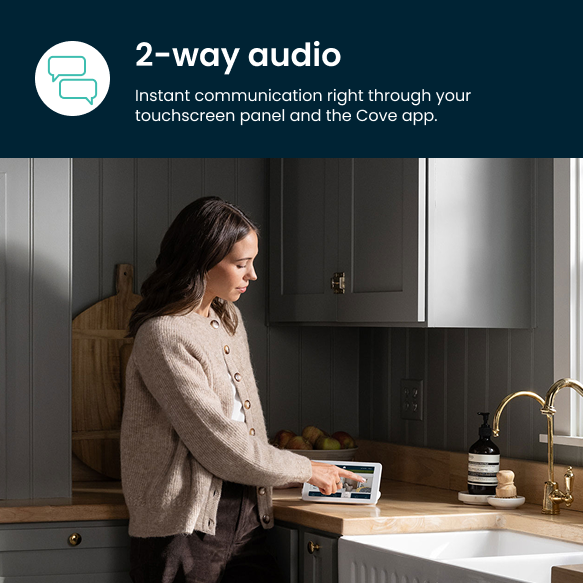
| Two-Way Communication | Yes |
| Motion Detection | Yes (PIR) |

Step 1
Attach the base with screws.

Step 2
Snap the camera into the base.

Step 3
Follow the on app instructions to pair your camera.